Quick Answer
The decision in plain English
- Move to an FSM when the current tools no longer show one reliable version of the schedule, customer history, estimate status, invoice status, and technician work.
- The strongest trigger is repeated handoff failure, not a specific revenue or employee count.
- Choose the simplest platform that supports the next operating stage, then configure the workflow before importing data.
- Do not automate a process the team has not agreed on.
What are the signs the current system is breaking?
Paper and spreadsheets are not automatically bad. They become expensive when several people need the same information at the same time. The schedule in Google Calendar may not match the text thread. The estimate spreadsheet may not show who followed up. The invoice may exist in QuickBooks while the job still looks open elsewhere.
Look for repeated symptoms: double booking, missing customer history, technicians calling for addresses, estimates with no owner, invoices delayed after completion, payments not tied to jobs, and the owner rebuilding reports by hand. One mistake is normal. The same mistake every week is a system signal.
- Multiple versions of the schedule
- No shared customer and property history
- Unclear job status
- Estimates and invoices tracked in separate files
- No reliable follow-up queue
- Reporting requires manual reconstruction
How should software improve dispatch visibility?
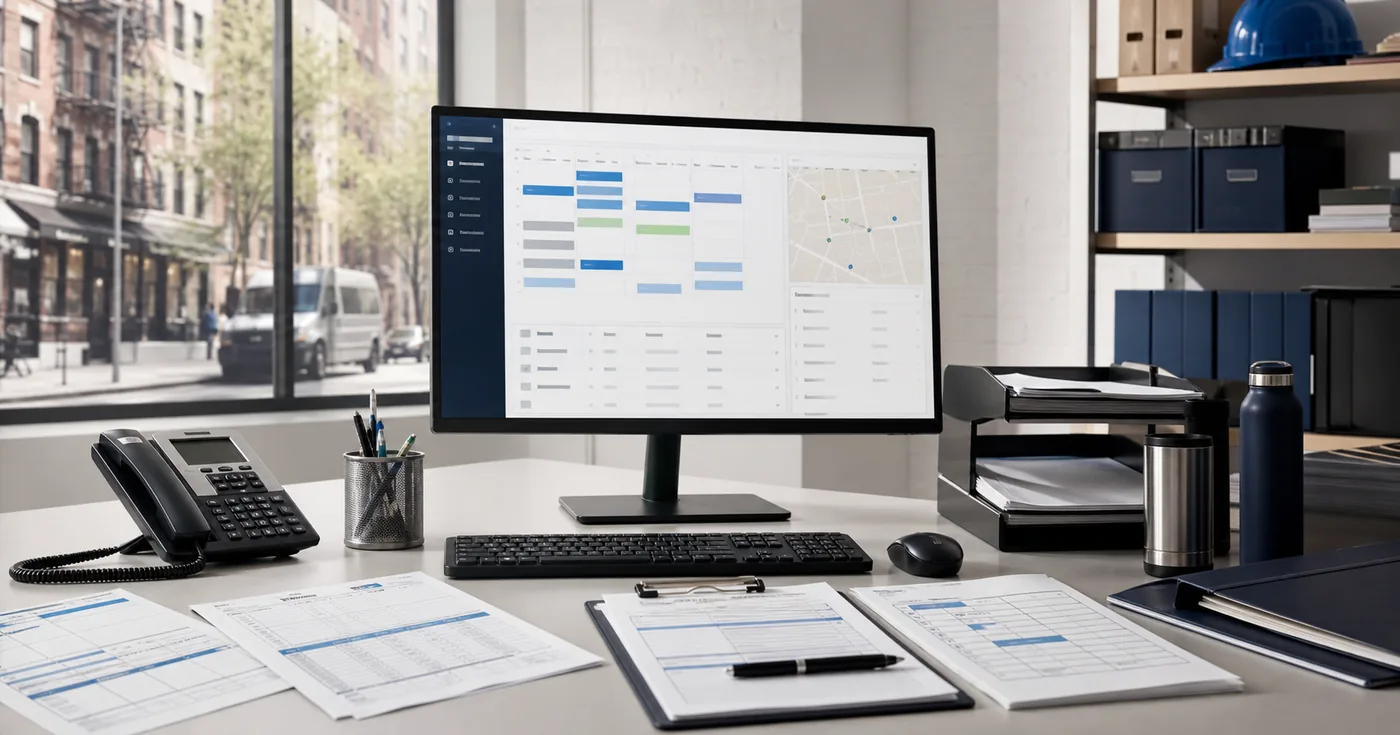
A useful FSM gives the office one board for assigned work, timing, technician, location, status, and important notes. It should make schedule conflicts visible and push the right information to the field. The system does not need to optimize every route automatically to create value. One reliable board is already a major improvement.
For NYC work, property and access details matter. Save service addresses separately from billing contacts. Record building contact, equipment location, parking or loading notes, certificate requirements, and service-area restrictions. A calendar event title cannot carry the full operational history.
What changes from estimate to invoice?
The largest gain is continuity. A request becomes an estimate or job without retyping the customer. An approved estimate becomes scheduled work. A completed job triggers invoice preparation. Payment status becomes visible to the office. Follow-up can be assigned instead of remembered.
Official Jobber, Housecall Pro, and ServiceTitan pages all describe versions of this connected workflow. The details and depth differ, but the value comes from reducing broken handoffs. If office staff still export everything into a separate spreadsheet, the implementation has not reached its goal.
When do customer history and reporting become essential?
Customer history becomes essential when the person answering the phone cannot remember every property. The office should see prior work, open estimates, unpaid invoices, equipment notes, communication, and upcoming appointments. That context improves both service and risk control.
Reporting becomes useful when it answers operating questions: How many calls booked? Which estimates are aging? Which jobs are complete but not invoiced? Which invoices are overdue? Which technician statuses are unreliable? Start with a few reports tied to action. A dashboard nobody reviews is decoration.
What are the main migration risks?
The first risk is importing dirty data. Duplicate customers, inconsistent item names, old addresses, and obsolete price lists become harder to clean after launch. The second risk is overconfiguration. Too many job types, statuses, tags, and custom fields create choices that the team cannot use consistently.
The third risk is a partial launch. If some staff use the new system and others keep personal calendars or paper notes, the company has two sources of truth. Pilot carefully, but set a clear cutover. Keep an archive of the old data and decide which active work must be reconciled.
- Clean before import
- Limit required fields
- Test with real job scenarios
- Train office and field roles separately
- Set a cutover date
- Audit adoption during the first month
How do you avoid overbuilding too early?
Start with the core job cycle. Configure intake, customer records, schedule, jobs, estimates, invoices, payments, and a small status set. Delay complex automations, marketing campaigns, custom dashboards, and deep integrations until the team can complete the basic workflow without side systems.
Software should reduce decisions, not add them. A three-person shop does not need the same controls as a multi-location call center. Choose for the next few years, but do not make today's team operate an enterprise architecture that exists only on a growth plan.
Who should own the system after launch?
Name one accountable owner for workflow changes, permissions, data quality, reports, and training. That person may be internal or outsourced. The role should review open jobs, stale estimates, unsent invoices, overdue receivables, duplicate records, and status exceptions every week.
Without ownership, the FSM slowly becomes another messy database. New employees invent shortcuts. Pricebook items multiply. Required notes disappear. Reports lose trust. A small weekly maintenance rhythm is cheaper than another migration two years later.
Owner Gut-Check
When this matters
- Does everyone use the same schedule?
- Can the office see a customer from first request through payment?
- Are completed jobs invoiced without the owner checking every one?
- Can technicians find the information they need without calling the office?
- Is someone accountable for data quality and workflow changes?
What the audit looks at
Turn the decision into an operating plan
The free Back-Office Audit maps the current workflow before we recommend software, staffing, a one-time cleanup, or ongoing support.
- Current tools and duplicate data
- Dispatch, estimate, invoice, and payment handoffs
- Minimum viable configuration
- Migration and training plan
- Ongoing system ownership
Frequently asked questions
How many technicians do I need before buying FSM software?
There is no universal threshold. The trigger is coordination failure. A two-tech shop with recurring work and many properties may benefit earlier than a larger project contractor with fewer active jobs.
Can Google Calendar work for a contractor?
Yes, for a simple operation. It becomes limiting when the business needs connected customer history, estimates, job statuses, invoices, payment follow-up, technician permissions, and operational reporting.
Should I import all old customer data?
Not automatically. Clean duplicates and decide what history is useful. Prioritize active customers, open work, warranties, service agreements, equipment records, and legally required records. Keep a searchable archive for the rest.
How long does an FSM migration take?
It depends on data, workflow complexity, integrations, training, and team size. A focused setup can move quickly, while a large pricebook, multi-location operation, or accounting integration requires more design and testing.
Sources and claim notes
- Jobber - Explore All FeaturesOfficial feature overview covering requests, scheduling, quoting, invoicing, client records, payments, and automated follow-up. Reviewed June 21, 2026.
- Housecall Pro - Field Service Management FeaturesOfficial feature overview covering dispatch, estimates, reporting, QuickBooks integration, customer management, voice tools, and AI products. Reviewed June 21, 2026.
- ServiceTitan - All Features and ProductsOfficial feature overview covering call booking, dispatch, field operations, accounting, inventory, reporting, dashboards, and integrations. Reviewed June 21, 2026.
- No employee-count or revenue threshold is treated as a universal buying rule.
- Migration timing and effort should be scoped from actual data and workflows.